





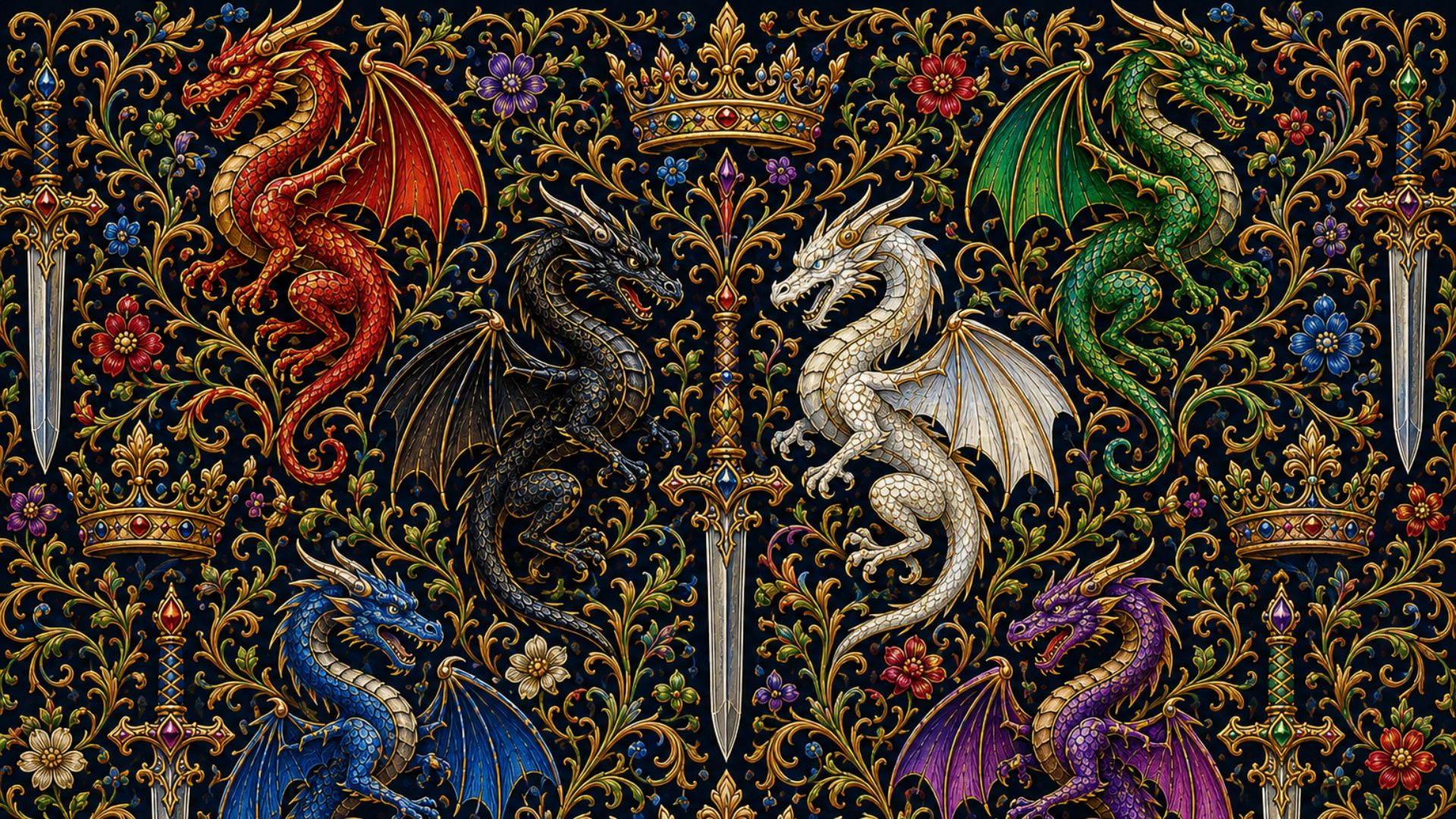








How to Use Wallpaper & Lockscreen Images
Below are some basic instructions, but the exact process may vary depending on your device. You may have to research it to find out how to add these images to your specific device, but try this first...
-
Pick the image you like and that fits the size of your device, and click on it.
-
Download it to your device by either right-clicking and choosing “Save Image As”, or long-tap and choose “Download Image.”
-
Find your Desktop & Screensaver settings (for desktops and laptops) or your Wallpaper & Themes settings (for tablets and smartphones). Follow the prompts to choose new images, then navigate to where you saved the image.
-
You might be able to long-tap your screen to bring up the menu to alter the wallpaper on some devices - OR - while viewing the image after downloading to a mobile device, you may be able to long-tap on the image and choose “Set as Wallpaper.”